
Medicare Part B Enrollment Instructions
How to Enroll in Medicare Part B (If You Already Have Part A)
Who This Applies to
You already have Medicare Part A and need to enroll in Part B.
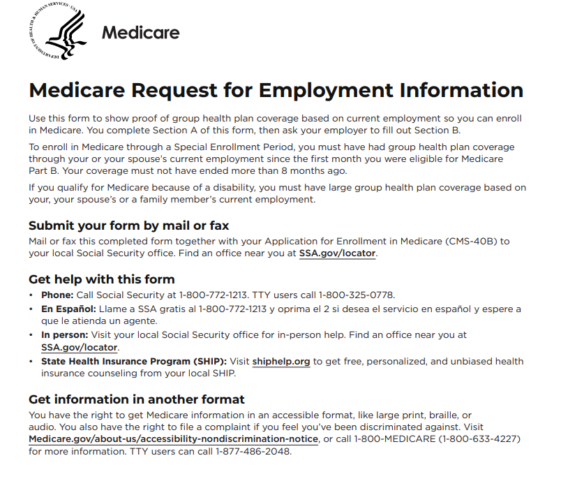
Step 1: Have Your Employer Complete the Employment Information Form
- Download the Request for Employment Information Form
-
- Give this form to the employer that provides/provided your health insurance coverage.
-
📌 Important:
-
- If both you and your spouse are applying for Medicare, each of you must submit your own completed form.
- The form must be filled out by the employer that provided the health insurance coverage
Watch: How to Complete the Request for Employment Information and Part B Application
This short video walks you through completing both forms correctly and explains common mistakes that can delay Medicare Part B enrollment.
Click to Download
Step 2: Complete the Medicare Part B Application
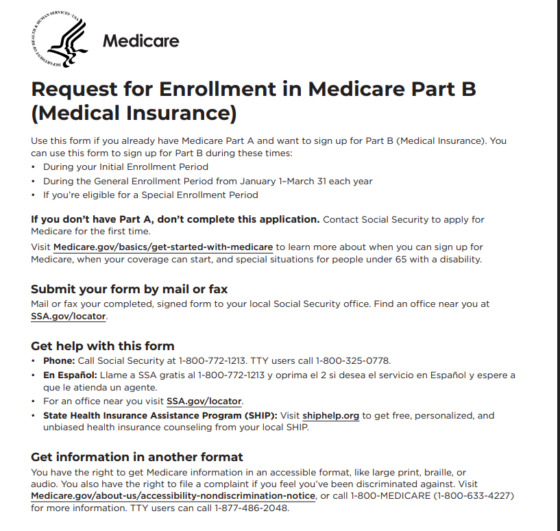
- Complete the CMS-40B Application for Enrollment in Medicare Part B
- In Section 2 you will be asked to choose your Medicare Part B coverage start date.
- We recommend writing the month and year you want your Part B coverage to begin.
Click to download
Step 3: Submit Both Forms Through SSA.gov
- Once both forms are completed:
-
- Request for Employment Information
- CMS-40B Application for Enrollment in Medicare Part B
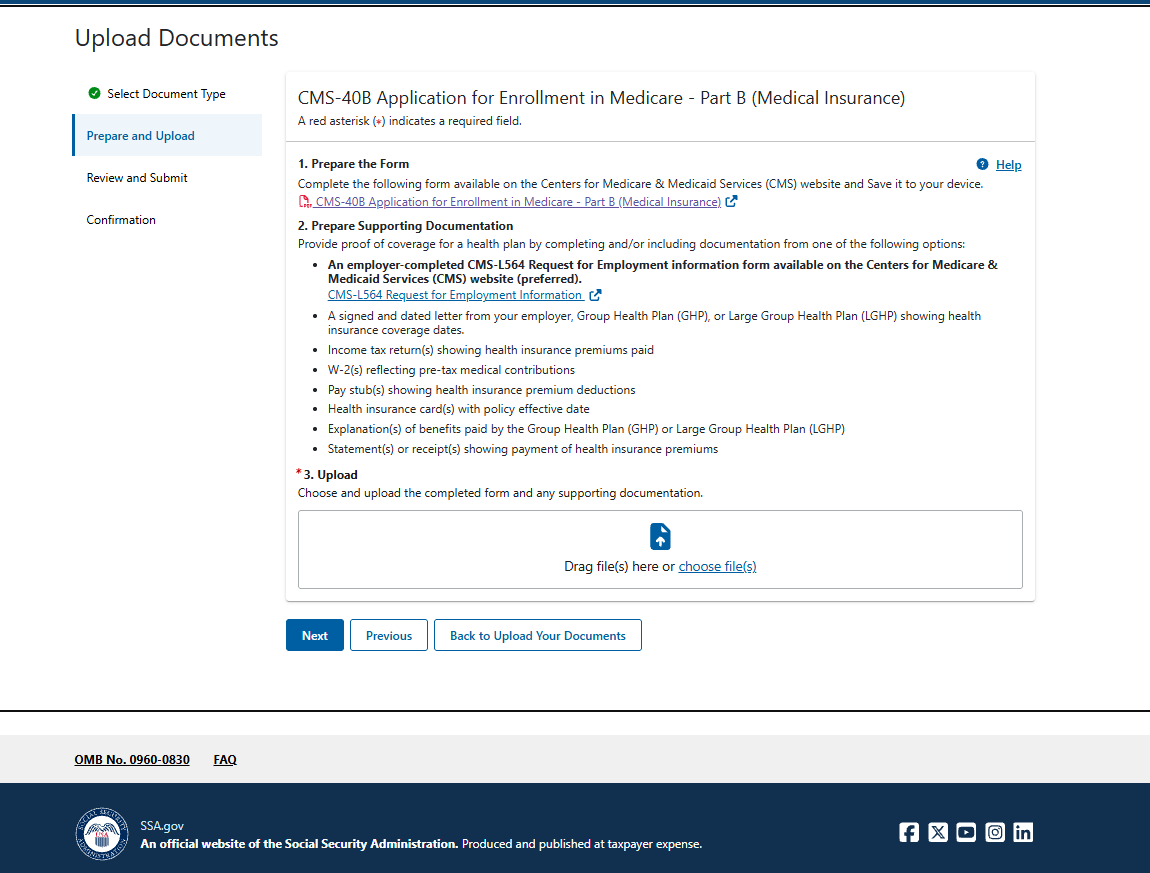
You will need to sign in to your SSA.gov account and upload both documents.
After signing in:
-
- Follow the prompts to upload your completed forms.
- Review your submission carefully.
- Submit the documents through SSA.gov.
After You Apply
-
-
Save your confirmation page— it’s your proof of submission.
-
Regularly log in to mySSA.gov to track the status.
-
If Medicare Part B doesn’t appear in your account before your requested effective date, contact your local Social Security office to confirm they received your application.
-